Issues with API
An issue was noticed on the Site Location API where the map just does not appear.
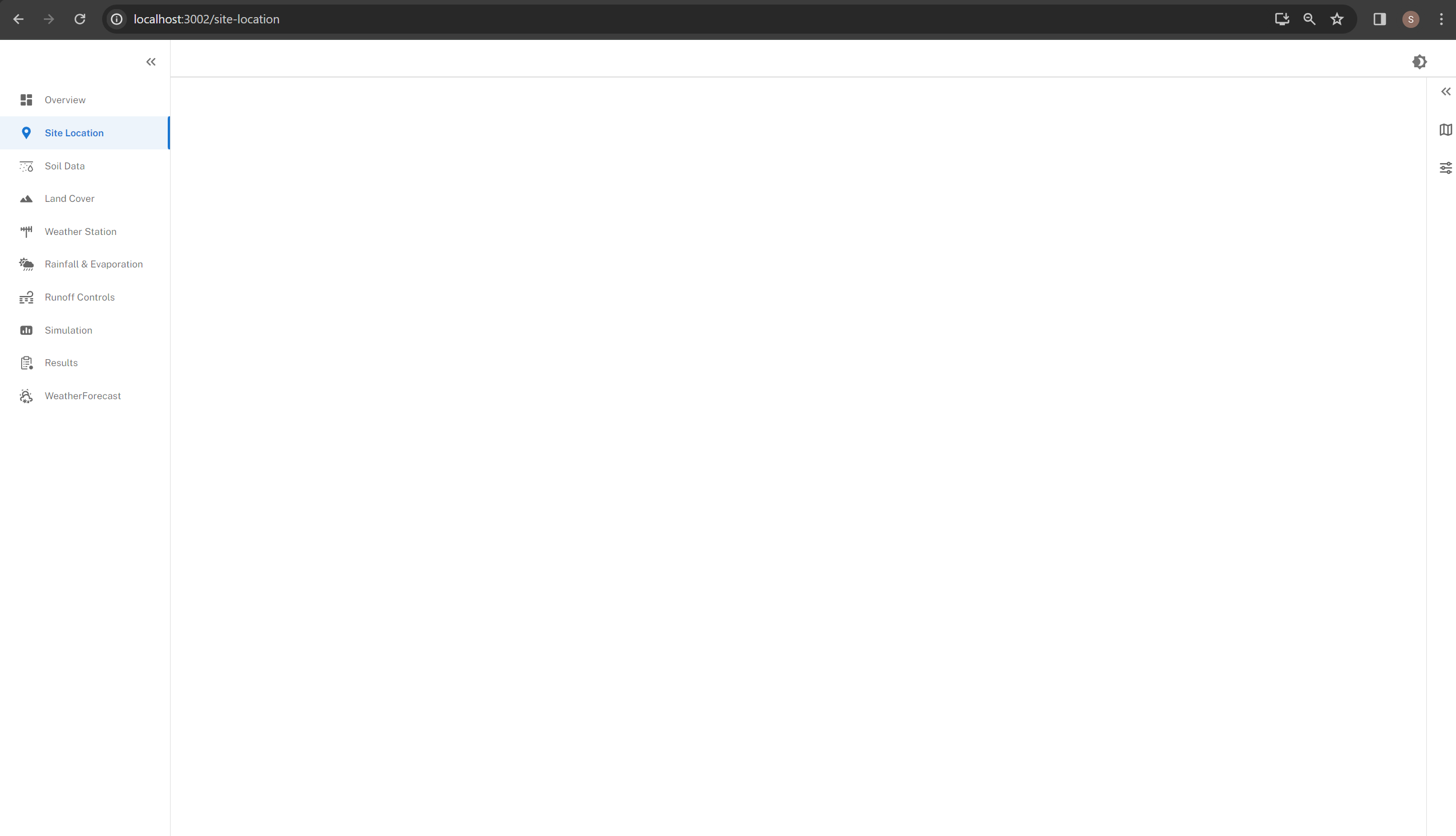 This issue was noticed when the user put in a zip code 41063. This was not the only time it happened.
There were instances of it occurring with the default value Cincinnati as well as various other times.
This issue was noticed when the user put in a zip code 41063. This was not the only time it happened.
There were instances of it occurring with the default value Cincinnati as well as various other times.
Looking into the issue if 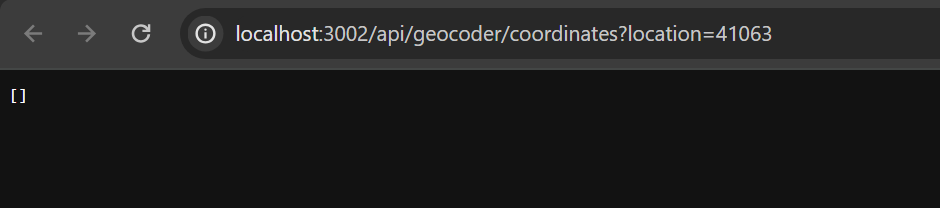
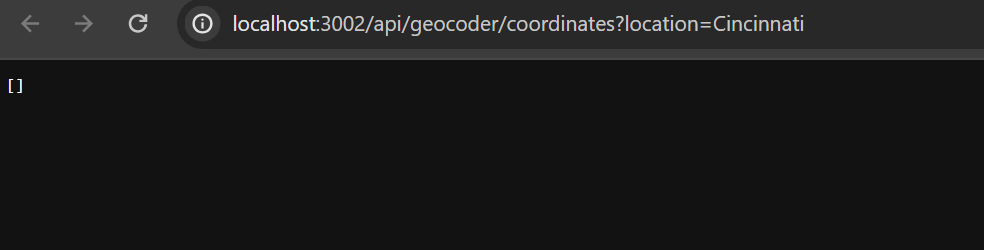
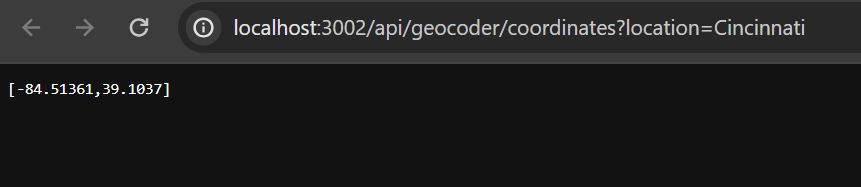 So I looked at the API Code
 try
      {
        string RequestUri = @"https://atlas.microsoft.com/search/address/json?&subscription-key=nChmDJt1_W5cjal0GghQpLlgV50sC4FLLMokqOQqoMk&api-version=1.0&language=en-US&query=" + location;
        var handler = new HttpClientHandler();
        handler.UseDefaultCredentials = true;
        HttpClient client = new HttpClient(handler);
        HttpResponseMessage response = await client.GetAsync(RequestUri);
        response.EnsureSuccessStatusCode();
        string responseBody = await response.Content.ReadAsStringAsync();
        // Above three lines can be replaced with new helper method below
        // string responseBody = await client.GetStringAsync(uri);
        JsonElement r = JsonSerializer.Deserialize<JsonElement>(responseBody);
        var tmp = r.GetProperty("results");
        // var position = tmp?.Get("position");

        int index = 0; // Get the first element in the 'edges' array
        JsonElement res = tmp.EnumerateArray().ElementAtOrDefault(index);

        var position = res.GetProperty("position");
        var lat = position.GetProperty("lat").ToString();
        var lon = position.GetProperty("lon").ToString();

        result.Add(Double.Parse(lon));
        result.Add(Double.Parse(lat));
      }
      catch (HttpRequestException e)
      {
        Console.WriteLine("\nException Caught!");
        Console.WriteLine("Message :{0} ", e.Message);
      }
      return result;
As you can see we are not checking for null values. We need to add an additional check for nulls and have the API call again if the values are null.
So Next steps are to add in a catch if the Lat Long values are empty. Could just add a check to see if the Result array is empty.
Also we are calling the API every time the properties is opened on the Site Location Page. So Even if we don't change the values